Post by Stefan Wintermeyer

Auf vutuv.de/settings/links kann man jetzt die eigenen Webseiten verifizieren. Entweder per Rück-Link REL=ME, DNS-TXT-Eintrag oder .well-known/vutuv-verify.txt Datei.

1

Kannst Du bitte einen Muster-DNS-Eintrag zeigen, wie die Verifikation aussehen soll?

1

Das sieht bei jedem Provider anders aus. Du musst einen TXT Eintrag erstellen und dann dort den Text eintragen. Besser kann ich das nicht erklären. Probiere es mal aus.
1

Replying to @wintermeyer

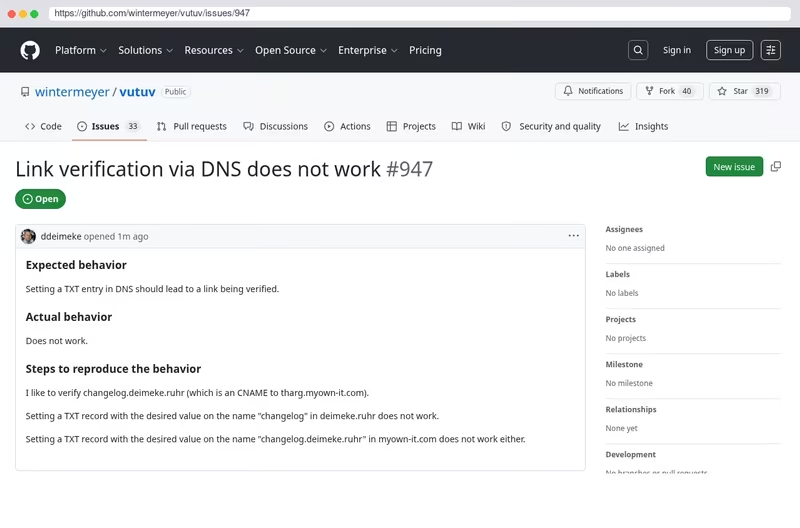
Habe ich bereits, und es funktioniert nicht.

1

Replying to @dirk

Bitte erstelle einen Bugreport im GitHub.

1

Other formats

Keyboard shortcuts

Navigation

Home g h
Feed g f
Messages g m
Notifications g n
Your profile g p
Search /

Actions

Write a new post n
Send the post or message you are writing ⌘/Ctrl ↵
Next post in the feed j
Previous post in the feed k

General

Show this help ?
Close menus and dialogs Esc

The single-key shortcuts pause while you type, and are off on phones and tablets.