Post by Louis Chancé

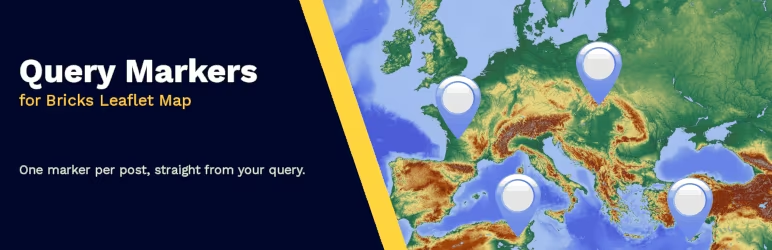
I needed to dynamically display markers on an openstreetmap map for a WordPress website using Bricks, so I created a plugin just for that.
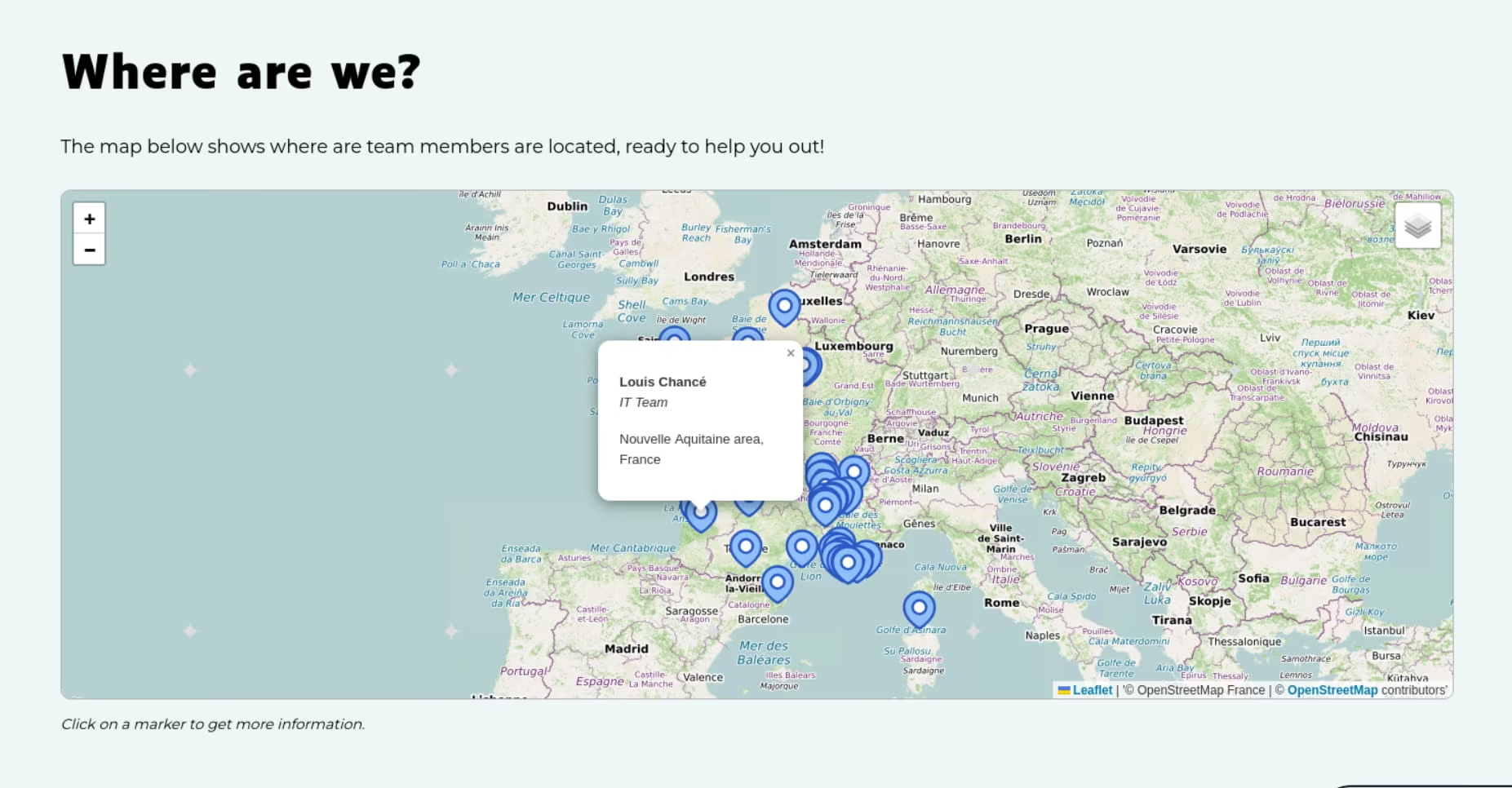
It extends the functionalities of the Leaflet Map element in Bricks Builder, to query loop markers from a local post type (currently Bricks only supports this for Google map).
The plugin also allows to automatically merge markers sharing the same location into a single element (and show all the data in the clickable tooltip). Or to dispatch them in a little circular area around the shared location.
You can also use the value of another dynamic data (like an ACF toggle field) to decide if the post marker has to show up on the map or not.
It’s fully compatible with native posts and custom fields, as well as with plugins like ACF (and it supports the ACF Openstreetmap field too).
If you’re a Bricks user like me and prefer to use Openstreet maps over Google maps, you can try it out in the official repo: wordpress.org/plugins/…
From other networks 3
2 likes 1 repost
@emue@mastodon.design liked this @mateitudor@kolektiva.social liked this @louis@social.ikacode.com shared this
Already counted in the numbers above.