zsh

Tags

Follow from the Fediverse

Follow #zsh from Mastodon or any other Fediverse app and its public posts arrive in your timeline. No vutuv account needed.

@zsh@tags.vutuv.de

Your address is used once, to send you to your own server's follow dialog. It is never stored here.

Posts with this tag

1 post

Filters
Thomas Kahle @tomkalei mathe.social

I had all but forgotten about this command line tool ‘z’.

It builds a history of what directories you have visited in the past / frequently and then you can type any identifying component of a path and jump there. So instead of

cd ~/Vorlesungen/LineareAlgebra/Klausuren/2026/

I type

z 26

This works if you have not visited some other dir with 26 in the meantime. It’s much faster!

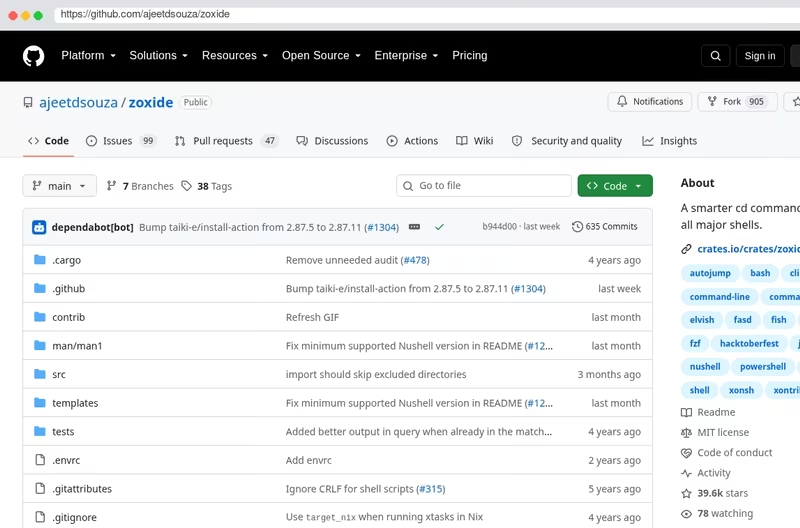
There are few implementations of this, one is an oh-my-zsh plugin. A modern re-implementation is zoxide:
github.com/ajeetdsouza/zoxide

I know I used this back in the day and somehow through stress or kids or whatever I simply forget. But it’s brilliant. Try it!

Keyboard shortcuts

Navigation

Home g h
Feed g f
Messages g m
Notifications g n
Your profile g p
Search /

Actions

Write a new post n
Send the post or message you are writing ⌘/Ctrl ↵
Next post in the feed j
Previous post in the feed k

General

Show this help ?
Close menus and dialogs Esc

The single-key shortcuts pause while you type, and are off on phones and tablets.