Mermaid
Die Standard-Farben für Diagramme, die in den meisten Editoren benutzt werden, sind etwas “grell”.
Mit einem kurzen Init-Block kann man die Farben anpassen:

Follow #markdown from Mastodon or any other Fediverse app and its public posts arrive in your timeline. No vutuv account needed.
@markdown@tags.vutuv.de
Julian Rademacher Webentwickler (Einzelunternehmer)
Moria Drake Digital Learning Technician
20 posts
Mermaid
Die Standard-Farben für Diagramme, die in den meisten Editoren benutzt werden, sind etwas “grell”.
Mit einem kurzen Init-Block kann man die Farben anpassen:
Obsidian 1.15
Die Mermaid-Resultate passen sich nun dem Theme-Farbschema an - das sieht schon super aus!
Mermaid = (Markdown-)Text -> Diagramme
Vorab. Der Artikel ist bereits ein paar Wochen alt, aber ich möchte ihn auch hier auf vutuv erwähnen.
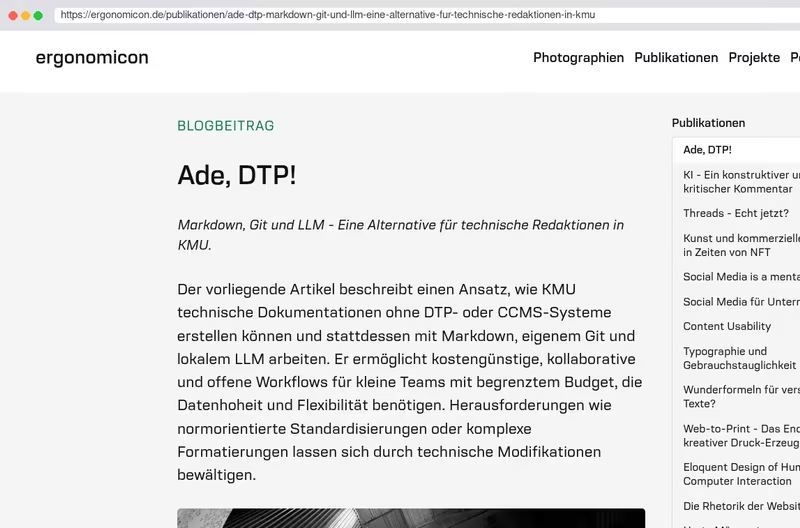
Denjenigen unter euch, die Bedienungsanleitungen oder technische Dokumentationen erstellen, könnte der vorgestellte Ansatz, der auf Markdown, GIT und potenziell auch auf lokale LLM setzt, vielleicht interessieren.
Ich freue mich über jeden konstruktiven Kommentar 😉


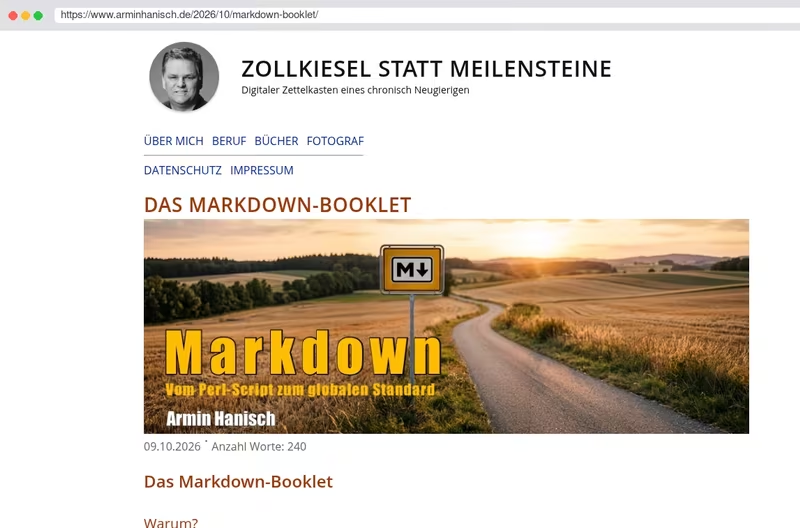
Du willst eine fundierte Einführung in das Thema Markdown? Wie wurde aus einem Perl-Script ein global genutztes Textformat? Und warum entstand ein freies ePUB-Booklet aus der geringen Aufmerksamkeitsspanne meiner Blogleserinnen und -leser? 😉
Obsidian 1.14
Klingt nach einer Kleinigkeit, erweitert die Möglichkeiten von Obsidian aber deutlich:
Obsidian kann nun als “normaler” Markdown-Editor fungieren. MD-Dateien außerhalb eines Vaults lassen sich öffnen und mit Obsidian bearbeiten, speichern usw. - ohne dass ein Vault verändert wird.
Damit kann Obsidian auch als Standard-Editor für MD-Dateien dienen:

and here it is, my new software for #Windows. I wrote it for myself but I thought, maybe it would be useful for someone else.
Meet #PlanCake, software to read Markdown and annotate it in place.
Do you have a long Markdown document, like a plan, a piece of documentation or your personal notes? Open it in PlanCake as a normal document. If you use a screen reader, you can navigate by headings, lists, tables and links, as usual.
Since PlanCake renders GitHub flavored Markdown, you can check and uncheck tasks in task lists straight away.
click or press Enter on a block of text (including list items and table cells), and you can add quick notes (also supporting Markdown!). Notes are saved in the file itself, with markers you set in settings. By default markers are set to [usernote] and [/usernote]. Want rather a single marker for user notes that go to the end of line? Set the opening marker to something like !USERNOTE! and leave the closing marker empty.
You can also add, edit and delete notes by using context menus.
By default, all of your notes are also shown in a list (F6 for keyboard users, right pane of the window for sighted users).
You can use command line, you can paste files from clipboard (or drag them into the window), you can open files by link, export them to HTML, export your notes to JSON if needed.
It’s super convenient to annotate plans for AI assistants (hence the name), but it’s absolutely not restricted to this task. Writing a book in Markdown and want to add quick notes for yourself? Are you a book editor working for an author? Add comments in PlanCake!
Works flawlessly with Debussy, my set of #ClaudeCode skills: github.com/Oire/debussy.
Website: plan-cake.oire.dev.
GitHub: github.com/Oire/plan-cake.
Do you like my software? Consider donating: oire.org/donate, or sponsor on gitHub. Thanks!
Nextcloud - Sprungmarken teilen für lange Markdown-Dokumente
Gelegentlich möchte man dem Empfänger einen bestimmten Abschnitt in einem umfangreicheren Dokument zeigen.
Dazu kann der Link des Abschnitts verschickt werden (Dokument vorher freigeben).
Der - kleine - Haken: Nextcloud nimmt beim Aufruf eine Änderung vor, so dass der Link 2 x in die Adresszeile kopiert werden muss - aber das kann man dem Empfänger ja mitteilen:
GREAT!
@thomas_mathoi@mastodon.social hat ein Buch zu Obsidian geschrieben!
Erscheint am 8. Oktober.
Vom Verlag habe ich gerade ein Rezensionsexemplar erhalten. Nach einem ersten Überfliegen ist mein Eindruck: Das ist sehr gut geworden!
Melde mich demnächst mal mit mehr Einzelheiten. Aber da steckt wirklich viel Arbeit drin. Toll!


Papier ist so was von … Aber damit stehe ich schon seit 15 Jahren auf dem Kriegsfuß.
Egal, 1 - 3 x im Jahr muss ich so einen Fensterbriefumschlag verschicken.
Habe jetzt auf die Schnelle keine Writer-Vorlage mit den typischen Falzmarken links entdeckt. Falls es nicht doch schon eine gibt, kann ich meine freigeben.
Haupttext in Markdown und dann einfach reinkopieren passt für mich - mehr Automatisierung lohnt sich nicht :-)


Ab sofort kann man TXT, Markdown und PDFs zu einem Post hinzufügen. Danke an @ulrichkelber der heute dieses fehlende Feature angefragt hat.
Bitte testet es und meldet Euch bei mir, wenn irgendwas nicht funktioniert oder besser gemacht werden kann.
PS: Der aufmerksame Beobachter wird merken, dass unter diesem Post ein Video ist. Das Video an sich ist ein Beta-Feature, das aktuell nur ich benutzen kann. Bin mir noch nicht sicher, ob ich das wirklich so einbaue oder nicht. Damit öffnet man “a can of worms”. Deswegen bin ich da vorsichtig.
2 likes 1 reply
@nick@norden.social liked this @Raymond@social.cologne liked this
Already counted in the numbers above.
“Obsidian ohne Hype”
Wenn man das Kommerz-Gedöhns der YouTuber mal streicht (“Second Brain”, Wissensdatenbank usw.) und dieses Datenbank-Geraffel a la Notion (“Guck - meine ganze Plattensammlung in einer Tabelle”) weg lässt, stellt sich Obsidian als solider minimalistischer Markdown-Editor heraus. Mit ein paar Besonderheiten, die tatsächlich Abläufe erleichtern.
Vielleicht schreibe ich mal was dazu, wenn ich die Zeit finde. So in der Art: Wie richte ich mir …
/2

Obsidian:
Mit der Version 1.14 gibt es für die Markierungsauszeichung “==xyz==” eine Farbauswahl:
Habe auf @gnulinux@social.anoxinon.de einen kurzen Artikel zur neuen Kommentarfunktion von Nextcloud-Text geschrieben:

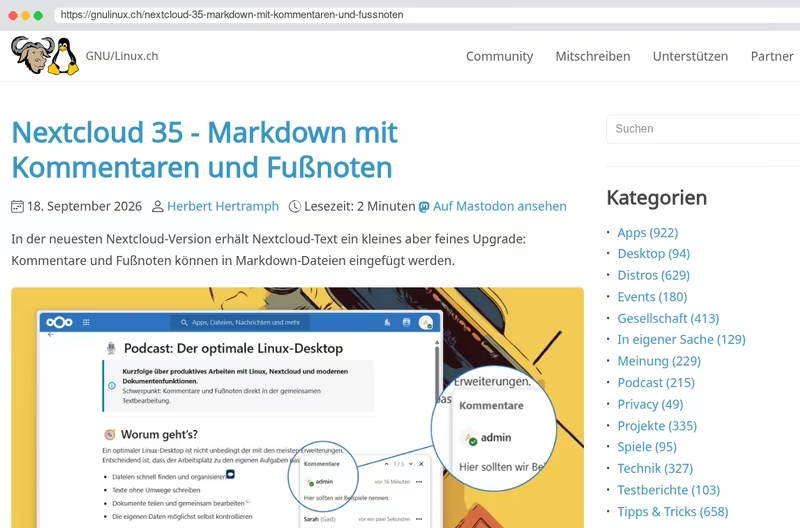
Nextcloud 35 - Markdown mit Kommentaren und Fußnoten
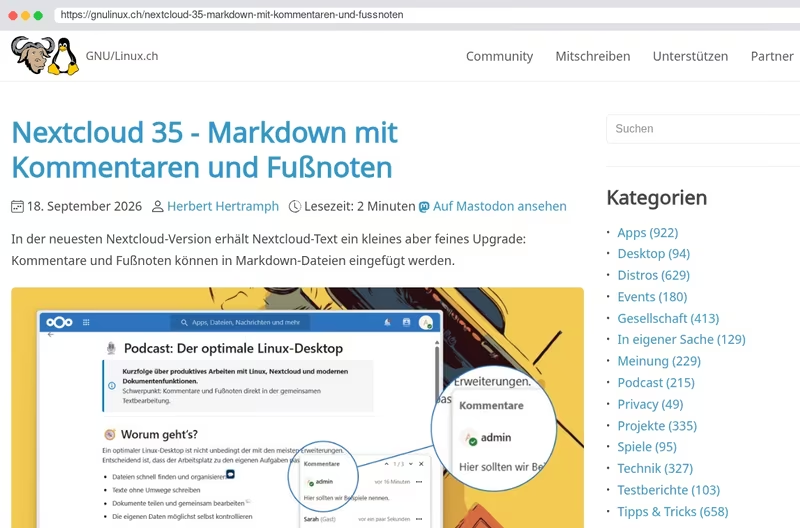
In der neuesten Nextcloud-Version erhält Nextcloud-Text ein kleines aber feines Upgrade: Kommentare und Fußnoten können in Markdown-Dateien eingefügt werden.
Nextcloud 35
Markdown-Dateien können nun auch mit Kommentaren und Fußnoten versehen werden.
(Sehr schöne Sache - über die vielen Möglichkeiten von Nextcloud-Text hatte ich ja schon mal ausführlicher berichtet.)