True or False in CSS, by @preethisam.bsky.social (@frontendmasters.com):
css
containerqueries
Tags 1 follower
Follow #css from Mastodon or any other Fediverse app and its public posts arrive in your timeline. No vutuv account needed.
@css@tags.vutuv.de
Daniel Richert Webentwickler/designer
Robin Kopp Web Developer – Laravel
Torben Stephan Director @ Konrad-Adenauer-Stiftung Singapore
Stefan Deuerling Webdesigner / Frontend-Entwickler
Max Mai web consultant / developer / designer / en...
58 posts
True or False in CSS, by @preethisam.bsky.social (@frontendmasters.com):

Wanna see something cool built with random()?
Check out my latest article 👇

Creating diagrams and graphs using modern CSS. @css@front-end.social continues the series on connecting elements with lines drawn by border-shape and shape() and placed with anchor positioning. Lines attach to the closest sides or to fixed ones, while if() and style queries pick the right curve. The demos range from a six-node graph to zig-zag and spring connectors. It’s an experiment for now: only Chrome and Edge support all the features. #css #anchor

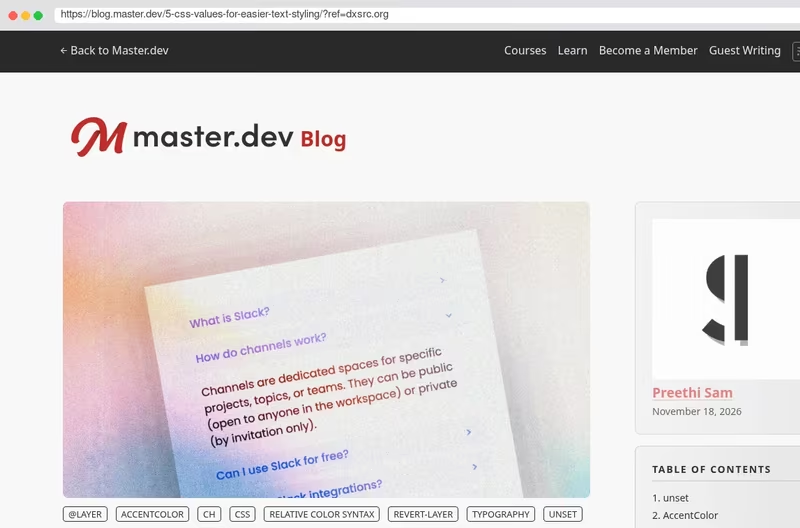
5 CSS Values for Easier Text Styling, by @preethisam.bsky.social (@frontendmasters.com):
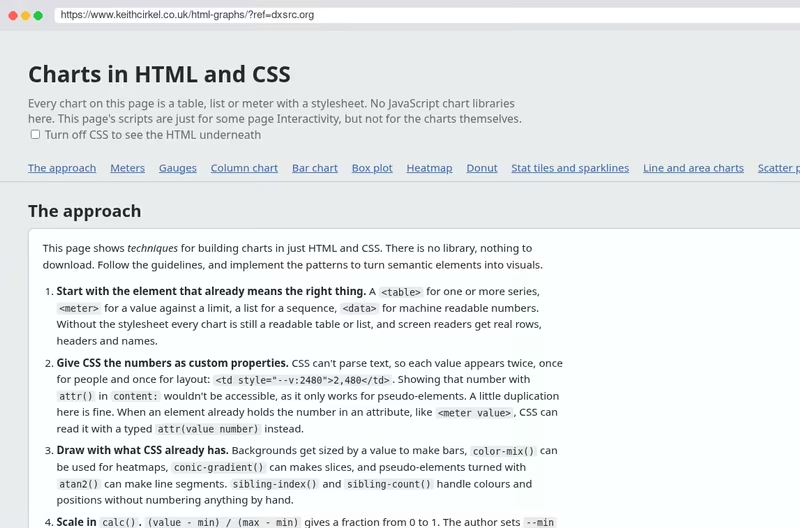
Charts in HTML and CSS, by @keithamus@indieweb.social:
Computing with CSS layout. Agustin Capeletto uses layout as a calculator to compute without JavaScript. A query container reads its width with 100cqw, round() turns it into a number, and @property carries it on. Grid columns sized auto find the widest item, flex rows add widths, anchor() measures distances, and order sorts values for medians and ranks. In Chrome, indexing, ranking, and sorting this way are 11 to 25 times faster than plain calc(). #css #layout

Introducing Spatial CSS: A Developer Preview, by @zachernuk@mastodon.social (@webkit@front-end.social):

Using Fallbacks for a Robust Front-End, by @stvfrnzl@mastodon.online (@csstricks@mastodon.social):
CSS Deduplication and File Size: What’s Left After Compression, by @j9t@mas.to [@dxsrc@mas.to]:
New comic: shape-outside / working with your best friend
comicss.art/comics/…
Sometimes you need to be careful when working from home. Especially if you forget to spell out certain CSS properties 😅
As usual, this comic strip was coded with HTML and CSS, using the comiCSS web component library.

What about generating random and complex-looking shapes with a few lines of code?
Here’s one example among many: css-tip.com/zig-zag-divider
Yes, I am using a loop() function, and if you want such a feature, you can contribute: github.com/w3c/csswg-drafts/…
CSS loops in 2027? Spread the word! 👀


The CSS caret-* properties and custom caret accessibility
🔖 sarasoueidan.com/blog/…
🔗 ellyloel.com/the-css-caret-properties-a…
Is CSS the future of design data?
🔖 castastrophe.blog/is-there-a-future-for…
🔗 ellyloel.com/is-css-the-future-of-desig…
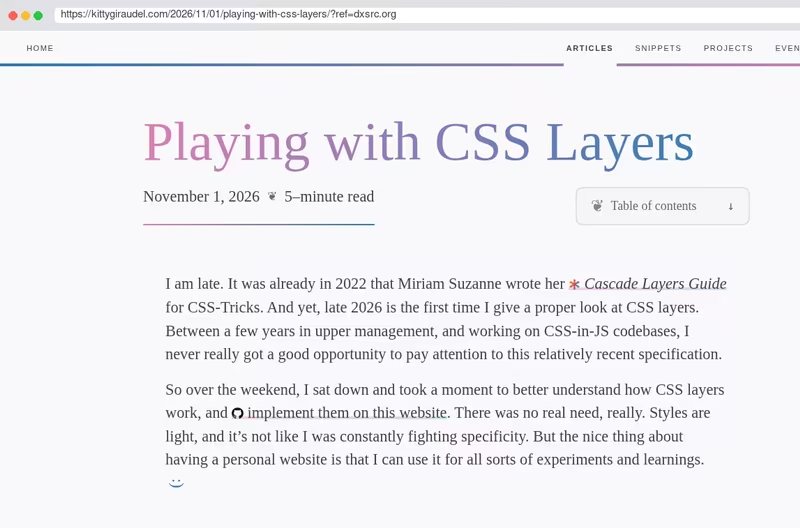
Playing With CSS Layers, by @kittygiraudel.com:
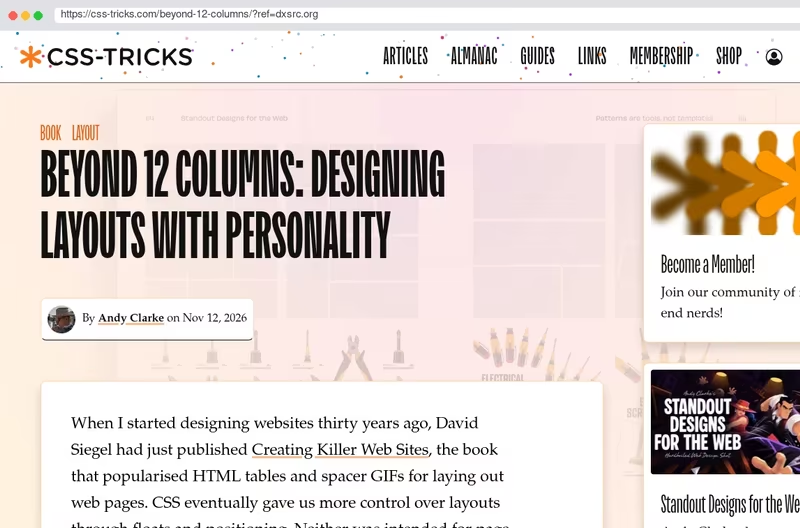
Beyond 12 Columns: Designing Layouts With Personality, by @malarkey@mastodon.social (@csstricks@mastodon.social):
CSS random() Spec question❓
Let’s consider the following demo: codepen.io/editor/…
Toggling the display (none/block) generates a new random value in Chromium but keeps the same value in Firefox.
Which one is correct?
My Interop 2027 Picks, by @aardrian@toot.cafe:
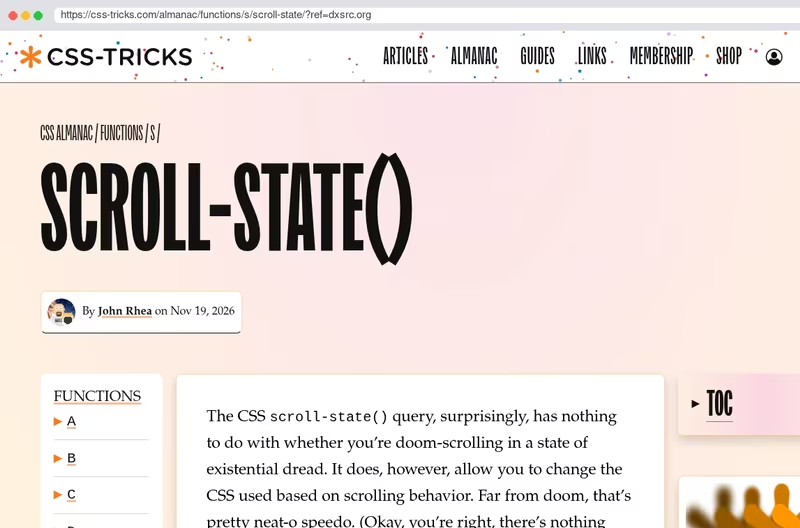
scroll-state(), by @csstricks@mastodon.social:
System Colors Need to Work Together, by @Aaron@front-end.social: