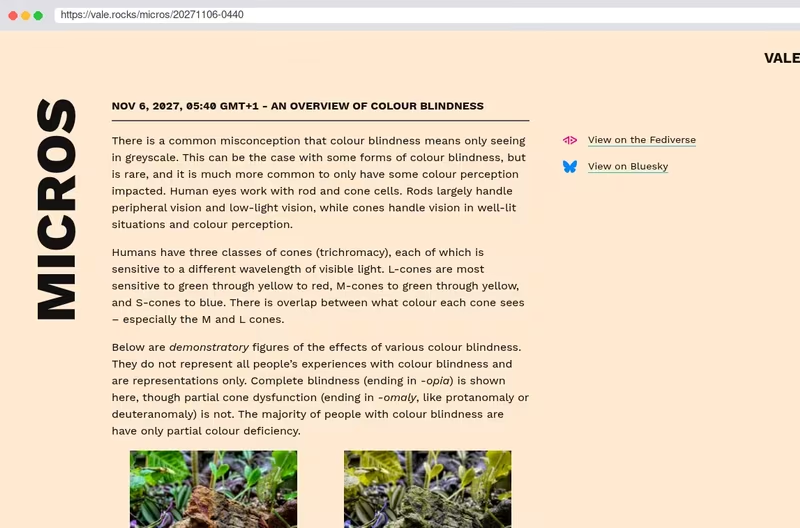
A lot of people mistakenly understand ‘colour blindness’ to mean that people can only see in monochrome.
That is rarely the case so I’ve put together a little overview to help people actually understand colour vision deficiencies.
Tags 1 follower
Follow #accessibility from Mastodon or any other Fediverse app and its public posts arrive in your timeline. No vutuv account needed.
@accessibility@tags.vutuv.de
Steve Frenzel Frontend developer @ GFE Media GmbH
Louis Chancé WordPress Developer @ Ikacode
Marc Bouvier Coach Software Craft, Développeur, Souvera...
47 posts
A lot of people mistakenly understand ‘colour blindness’ to mean that people can only see in monochrome.
That is rarely the case so I’ve put together a little overview to help people actually understand colour vision deficiencies.
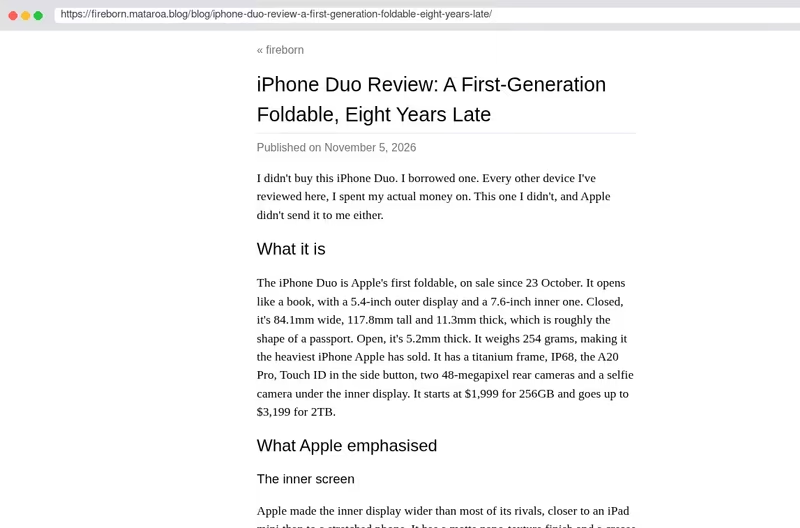
I borrowed an iPhone Duo and reviewed it. It’s a pretty middling foldable. It feels like a prototype, and I’ve never said that about an Apple product before. Black bars on almost every app, typing sucks, using it closed kind of sucks, and it runs iPhone apps when it should run iPad apps. A first-generation foldable, eight years late.

Never thought I’d have this happen, but a sighted person texted me to ask,
Hey Robbie, I’d figured I’d ask you! I watch Netflix shows with audio description all the time when I’m running or driving but the video eats up my battery, so I want to have only audio. I tried to go to Audible to look for movies and TV shows with audio description but they don’t have any. Can I buy some? I’d pay for this long before I pay Netflix for another year! If you know where I can buy movies and TV shows with audio description, let me know before next week because I have a long car trip.

We have a client coming in a few weeks out who is partially deaf. Does anyone out there have a good windows speech to text app that can be used to help communicate with her? Preferably one where the text can also be enlarged to be easier to read. #accessibility

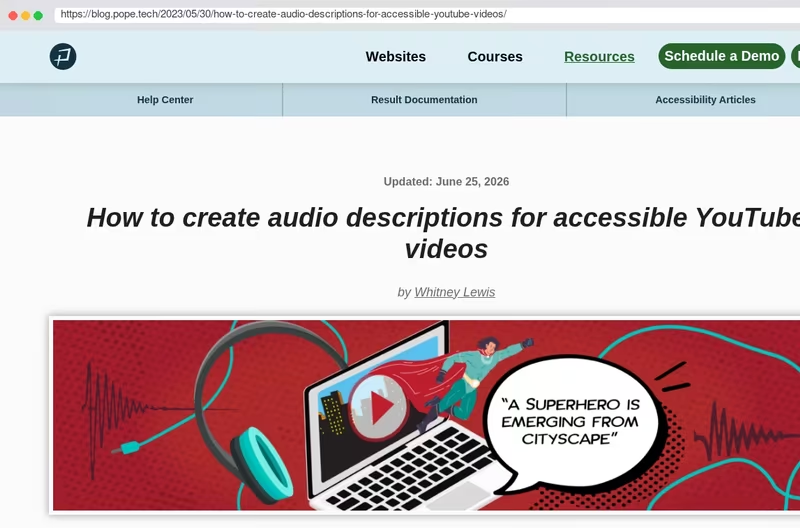
YouTube’s multiple audio track feature opens up a new option for audio description.
This article from Pope Tech explains how creators can use a dedicated descriptive audio track on a single YouTube video, along with other approaches for making video content more accessible when a separate track isn’t the right fit.
Read the article: blog.pope.tech/2023/…

The NVDA 2026.3.1 Release Candidate is now available for testing: nvaccess.org/post/…
This is a patch release to fix security issues. A bug fix is also included for an issue introduced in 2026.3 with the task switcher in Windows 10. The Brazilian Portuguese eSpeak voice was restored to the behaviour in 2026.2.
Ok folks. my turn.
I’m currently seeking part-time, fully remote work in digital accessibility, manual software testing, usability testing, or a related area. I have experience testing websites and applications with screen readers and keyboard navigation, identifying accessibility issues, and clearly documenting what’s happening and what needs attention. I’m CPACC certified and particularly interested in helping teams understand and address accessibility barriers. My background also includes software QA, bug reporting, documentation, training, and some Salesforce administration, however accessibility and testing are my primary focus. I’m looking for consistent part-time hours, about fifteen to twenty-five per week. W-2 employment is preferred. If you know of a suitable opportunity or team, I’d welcome a conversation. Thank you for reading. Boosts are appreciated.

Cognitive accessibility gets the least testing attention. Plain language, predictable layout and clear structure help autistic, ADHD and dyslexic users, and they help everyone else too.
#accessibility #neurodiversity #a11y

Frage an die Barrierefreiheits-Bubble: Gibt es eigentlich irgendwelche Websites, die bei “Leichter Sprache” und “Gebärdensprache” mehr bieten als die omnipräsente Einzelerklärungsseite*, während des Rest der Website unzugänglich wie eh zuvor ist?
Frage an Betroffene: Wie verarscht kommt ihr euch dabei vor? Ist das besser als nix oder wäre nix tatsächlich besser als solche Alibi-Seiten?

@freecad@social.freecad.org A hobby project I’ve been using daily for a few months now: murmurglass.
It’s a mic with a proximity sensor that acts as an automatic push-to-talk trigger for the Handy dictation app. Bring it to your mouth, and it holds the virtual PTT key; put it back down, and it releases it. I don’t need to touch the keyboard at all—just grab the mic from the desk, speak, put it back, and the text is instantly pasted at the cursor. It saves a ton of keystrokes, which is a huge relief for my sore hands.
Modeled in FreeCAD and printed in ABS-GF4. Inside, there’s an ESP32-S3 with an INMP441 mic, an APDS-9930 proximity sensor, and an MPU6500 IMU. It spoofs a USB keyboard and an audio interface at the same time. The hardware is also there for gesture recognition, though I haven’t finished the code for that yet.


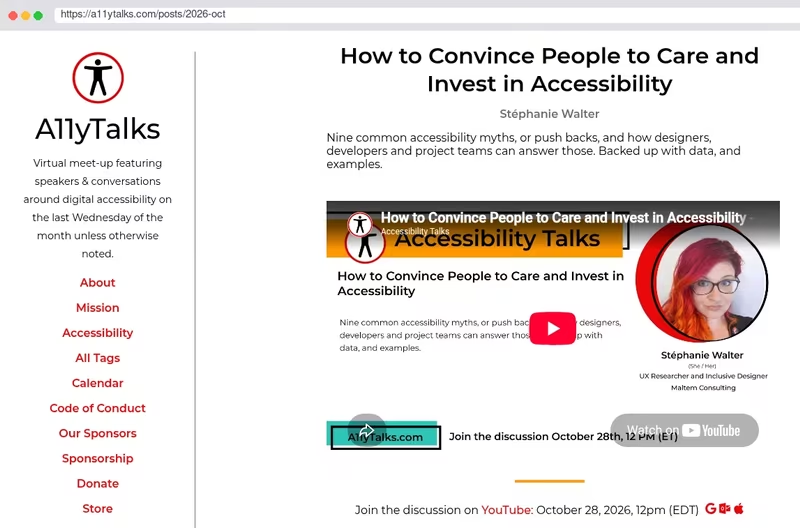
Let’s answer accessibility pushbacks with data and strategic thinking!
I’m happy to let you all know that the replay of my A11YTalks “How to Convince People to Care and Invest in Accessibility” is now available. If you could not attend, here is the chance to check it at your own pace.

Saying “No-one using our service has accessibility needs” is a bit like saying “We don’t need a ramp, no-one in a wheelchair has ever come up the stairs”.
The Blind Gaming Database now has a handful of automated fediverse accounts that you can use to get live updates:
New games: @games@blindgaming.net
New mod releases: @mods@blindgaming.net
US deals: @deals@blindgaming.net
Canadian deals: @deals_ca@blindgaming.net
EU deals: @deals_eu@blindgaming.net
UK deals: @deals_uk@blindgaming.net
More regions to come, plus Bluesky, once this initial batch have been working for a while.

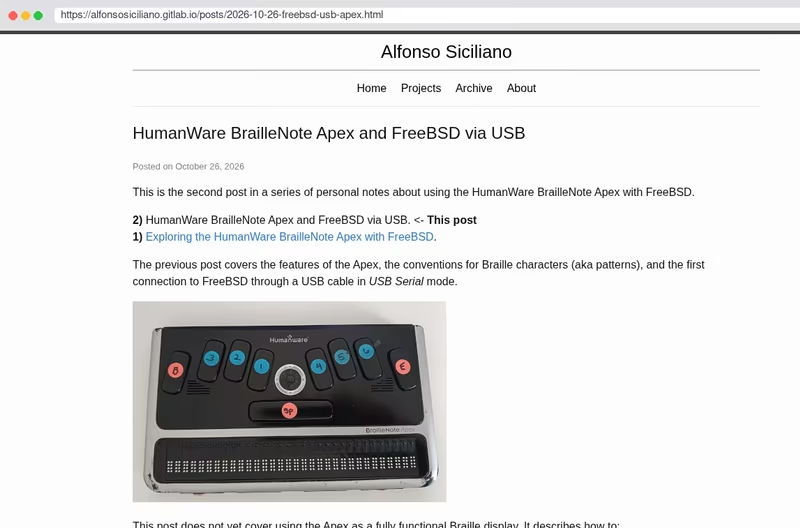
New blog post in my series about using the HumanWare BrailleNote Apex with #FreeBSD! This time, I explore USB communication in USB Client mode.

So whoever needs to hear this:
The latest “AI” frontier models do NOT generate #accessible web pages.
They will not automate #accessibility testing, cannot take the role of a manual tester, will not magically fix all #accessibility issues on your website and cannot catch accessibility issues for you no matter how strictly you frown at them. What they will do is give you dramatically verbose, overengineered solutions to problems that don’t actually exist.
I just tested this today. You still need a human in the loop who knows what they’re doing. i’m one of those, happy to help if you pay me tokens. And by tokens I mean fair wages.
Don’t get me wrong, I do use #AI for my own projects at times. They just really aren’t good at this.
There are a few reviews of the MNT Pocket Reform online. This is mine, from someone who can’t see the keys.
I love this little machine and use it almost constantly. Getting there took custom keyboard firmware, a talking OLED menu, a fight with the audio stack and a C header file I still open to find my own keys.

RE: grapheneos.social/@GrapheneOS/…
The GrapheneOS project is taking significant steps to improve accessibility. I cannot comment on this implementation personally but the release mentions testing by blind and low vision users.
This is a major update to the GrapheneOS fork of the TalkBack screen reader for blind and low vision users. We migrated it to the latest upstream release of the TalkBack source code which was in a completely broken and unusable state. We fixed many major and minor issues with the code which has now passed testing by multiple blind and low vision users who depend on it. We also removed the dependency on Google Play.
The work to modernize our fork of TalkBack was started by a blind GrapheneOS user who has spent several years contributing to GrapheneOS and was completed by one of our newly hired app developers. It works well and is a huge improvement over the previous version despite the awful state of the upstream open source releases.
 GrapheneOS
@GrapheneOS@grapheneos.social
GrapheneOS TalkBack version 23 released:
GrapheneOS
@GrapheneOS@grapheneos.social
GrapheneOS TalkBack version 23 released:
NV Access is pleased to announce that version 2026.3 of NVDA, the free screen reader for Microsoft Windows, is now available for download. This release includes significant performance improvements, improvements to NVDA’s dialogs, and expanded touch screen input.
Read the full announcement and download it now from: nvaccess.org/post/…
We encourage all users to upgrade to this version.


I had no idea of what an accessibility mess WordPress editor, Gutenberg, had become till now. Screen reader focus gets literally fucked up, no other term can be self-explanatory, as soon as I press Enter to create a new block.
I have used it only in its core distribution, not the plugin or WordPressCom release. Now I am realizing how scary WordPress future is, so, my decision is more than confirmed.

Ratio v2.3 has been released. macOS 27 broke it. Along with millions of other things. But I fixed it for you.