heise+ | HP Elitedesk 8 Mini G2i im Test: Sparsamer Mini-PC mit moderner Intel-CPU
Genügt das Einstiegsmodell Core Ultra 5 322 für tägliche Büroaufgaben oder rennen ihm CPUs mit mehr Kernen davon? Wir testen den Mini-PC HP Elitedesk 8 G2i.
Follow #windows from Mastodon or any other Fediverse app and its public posts arrive in your timeline. No vutuv account needed.
@windows@tags.vutuv.de
Michael Da Silva Abreu Sachbearbeiter Kontierter Einkauf bei DB S...
Martin Zach sabbatical @ sabbatical
Wolfgang Langner Senior Solution Developer @ flexis AG
Torben Stephan Director @ Konrad-Adenauer-Stiftung Singapore
Simon Waibl Hacker @ Mayflower GmbH
108 posts
heise+ | HP Elitedesk 8 Mini G2i im Test: Sparsamer Mini-PC mit moderner Intel-CPU
Genügt das Einstiegsmodell Core Ultra 5 322 für tägliche Büroaufgaben oder rennen ihm CPUs mit mehr Kernen davon? Wir testen den Mini-PC HP Elitedesk 8 G2i.

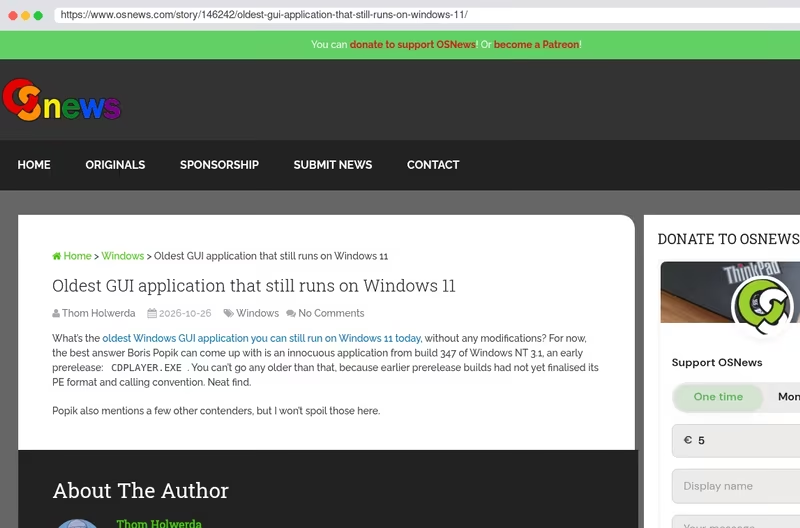
Oldest GUI application that still runs on Windows 11
What’s the oldest Windows GUI application you can still run on Windows 11 today, without any modifications? For now, the best answer Boris Popik can come up with is an innocuous application from build 347 of Windows NT 3.1, an early prerelease: CDPLAYER.EXE. You can’t go any older than that, because earlier prerelease builds had no


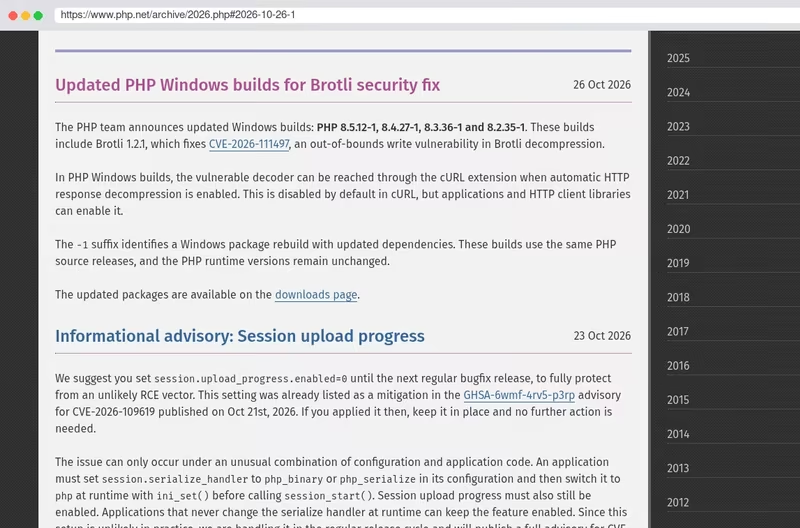
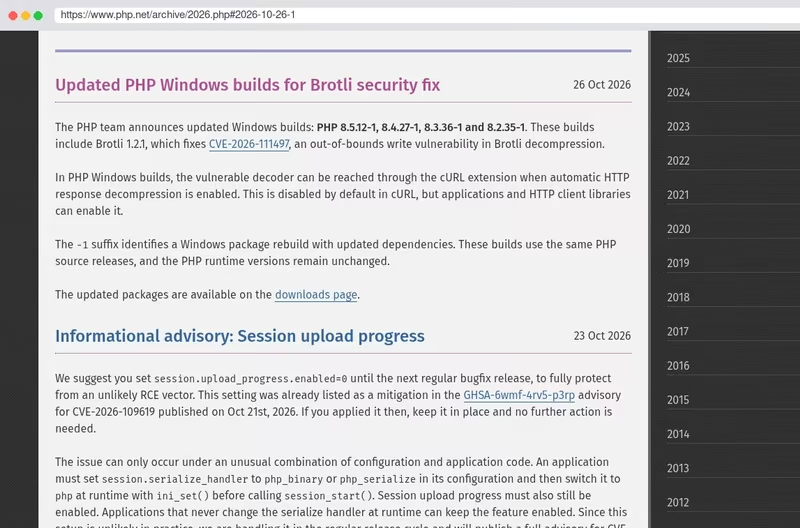
📣 Updated PHP Windows builds are now available:
‼️ These builds include Brotli 1.2.1 to fix CVE-2026-111497, an out-of-bounds write in Brotli decompression. This vulnerability is in the bundled Brotli library, not PHP code.
📝 Read more: php.net/archive/…

flohh ist eine portable App für den PC-Umzug – eine einzige Datei, die man auf beiden
Rechnern startet. Keine Installation, kein Konto, keine Cloud, kein externes Laufwerk. Die
Oberfläche öffnet sich einfach im Browser.
Und flohh ist nicht wählerisch: Windows, Linux und macOS in allen Richtungen, jeweils für
Intel/AMD und ARM. Vom alten Windows-Laptop auf den neuen Linux-Rechner? Kein Problem.


I’m happy to introduce #Steuererklärung: a bookkeeping app for #Linux, #Windows and #Mac with an optional module for German tax declarations with #ELSTER. It’s built natively for #GNOME with #GTK / #Adwaita on #GJS and is #OpenSource 🎉
Germany’s annual income tax return has long had no native Linux desktop application. This app aims to change that 🤓
Feedback, feature wishes and bug reports are very welcome!
Available for Windows, Mac and Linux at jumplink.eu/steuererklaerung

Friday Tools: I thought I’d share some lesser-known or fairly well-known projects that are absolute #bangers. ( ̄▽ ̄)ノ Whether it’s a website, software, or hardware I find useful and think might come in handy for you. And feel free to share your tool of the week, too!
The first tool I’d like to share is Winutil by Chris Titus, a Windows utility you run from PowerShell that lets you configure and debloat the operating system in three clicks. Super handy for those of us who, like me, are “the computer experts” in the family 😬. (Or for anyone who needs a secondary Windows installation.) Go give it a try—it’s really good!


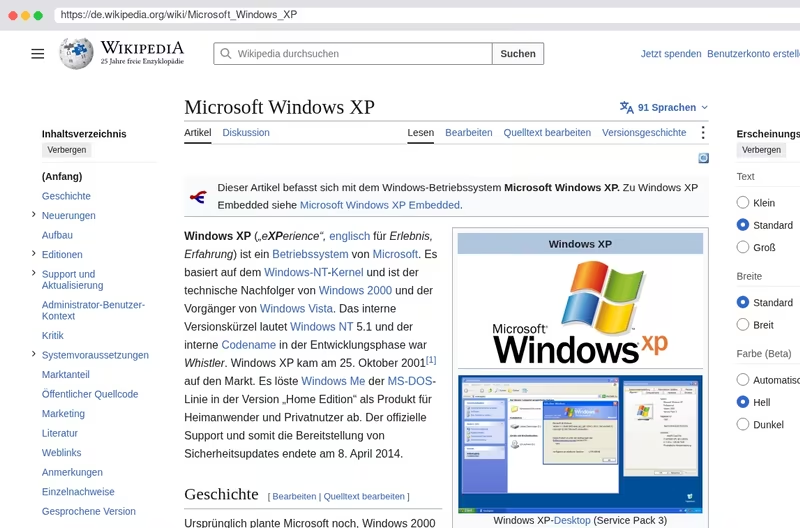
My bike has #windowsxp installed. Oh no, no: Natural Windows. The ones, you can’t open jn space. #mdrnh


„Enshrouded“ angespielt: Überleben, bis es kracht
Mehr geht nicht: Das Survival-Rollenspiel „Enshrouded“ von Keen Games kommt aus dem Early Access und lässt die Konkurrenz ziemlich alt aussehen.

Little known fact: #ThinkPads are actually related to jellyfish and share a similar lifecycle.
ThinkPad eggs hatch in the corporate environment and enter their floating, planula larval phase. During this time they’re sexless, and helpless, running a rudimentary operating system called #Windows. They’re at the mercy of the corporate tide, feeding off of primitive spreadsheets and Java. Many won’t survive this experience, but those that do, eventually drift down to the refurbishment plane.
1/3


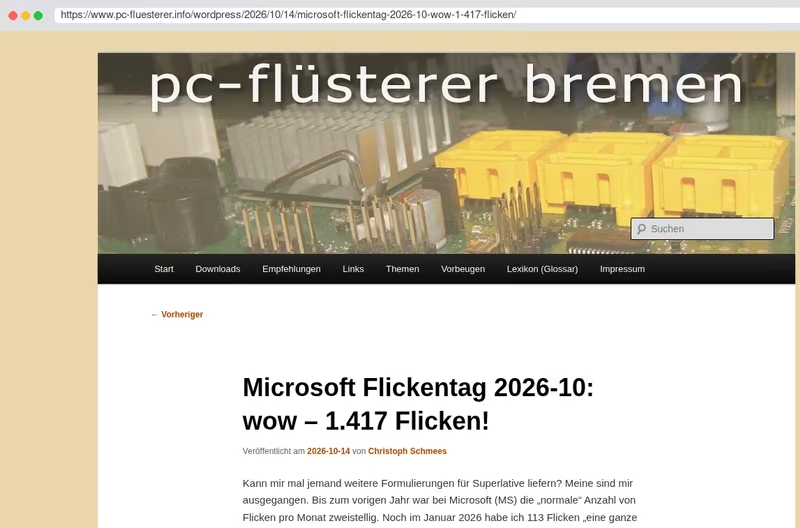
Microsoft Flickentag 2026-10: wow – 1.417 Flicken!
Kann mir mal jemand weitere Formulierungen für Superlative liefern? Meine sind mir ausgegangen. Bis zum vorigen Jahr war bei Microsoft (MS) die “normale” Anzahl von Flicken pro Monat zweistellig. Noch im Januar 2026 habe ich 113 Flicken “eine ganze Menge” genannt. Dann sank die Anzahl während zweier Monate wieder auf zweistellige Werte. Seitdem bringt MS jeden Monat mit ansteigender Tendenz eine dreistellige Anzahl von Flicken heraus. Jetzt im Oktober ist die Zahl der geflickten Sicherheitslücken zum ersten mal vierstellig! Unten habe ich die bisherigen Zahlen für 2026 aufgelistet.
… Weiterlesen:
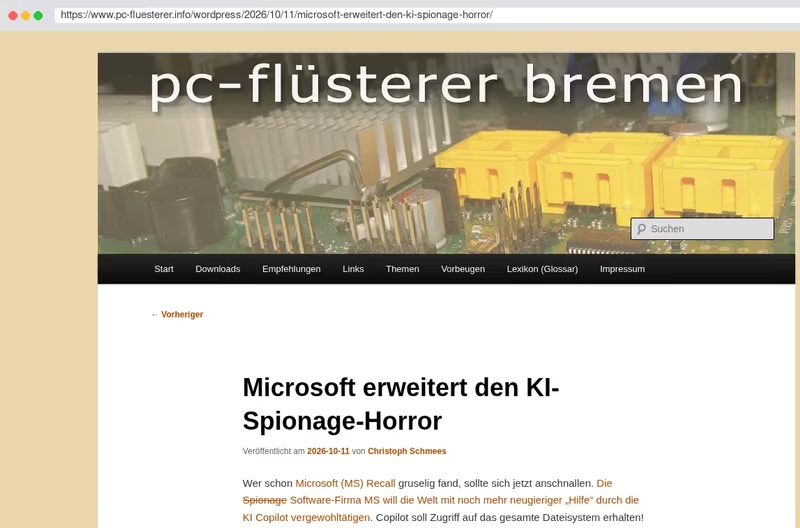
Microsoft erweitert den KI-Spionage-Horror
Wer schon Microsoft (MS) Recall gruselig fand, sollte sich jetzt anschnallen. Die Spionage Software-Firma MS will die Welt mit noch mehr neugieriger “Hilfe” durch die KI Copilot vergewohltätigen. Copilot soll Zugriff auf das gesamte Dateisystem erhalten! Aber keine Bange, die KI soll auf dem lokalen Rechner laufen - manchmal. Windows kann nämlich auch entscheiden, für kompliziertere Fragen und solche, bei denen die Privatsphäre nicht so wichtig ist (woher “weiß” MS das?), externe Modelle vom freien Markt zu Rate zu ziehen. Ob es überhaupt möglich sein wird, und wenn ja, wie, diesen Copilot wieder aus Windows heraus zu operieren, ist noch nicht bekannt.


🎤 On en parle à l’Assemblée Nationale - Comment sortir les administrations et le grand public de Windows ?
Alternatiba se mobilise depuis des mois sur le terrain contre l’arrêt des mises à jour de Windows 10. Avec les équipes de la députée @cyrielle_chatelain@piaille.fr - groupe Écologiste et Social, et du député Philippe Latombe - Modem, les activistes ont organisé et animé une session de travail, hier, à l’Assemblée Nationale !


#Digitalcourage, Ortsgruppe #München
Linux-Präsentation
» Haben Sie schon einmal einen #Linux-#PC gesehen? Nein? Aber Sie haben Interesse daran?
Wir wollen Interessierten die Möglichkeit geben, sich Linux live und in Farbe anzuschauen, eine #Windows-Alternative, die #nachhaltig, #datenschutz|freundlich und sicher ist.
Damit soll eine aufgeklärte Entscheidung möglich werden. Wir würden uns selbstverständlich freuen, wenn Sie anschließend denken: „Toll, Linux könnte auch was für mich sein!“
📆 Montag, 12.10.2026
🕖 19:15 - 21:00 Uhr
📍 Jugendinformationszentrum (#JIZ), Sendlinger Str. 7 (Innenhof), 80331 München
📨 ortsgruppe@muenchen.digitalcourage.de, Anmeldung erbeten (es sind noch Plätze frei)

Windows testers wanted: an early alpha of AAE, the Accessible Android Emulator, is ready to try on Windows.
AAE lets blind people create, run and test Android virtual devices without sighted help. Every device has a screen reader from its first boot, takes your keyboard, and plays its audio through your computer.
This is a very early build. It hasn’t been run by anyone but me yet, things will break, and parts of the Mac app are still missing.
What’s there:
Not there yet: the accessibility inspector, speech log, device log, shell, apps and accessibility services windows, snapshots, battery and location. The aae command line, installed alongside the app, does all of these meanwhile. Open a command prompt in AAE’s folder and run aae help.
You need Windows 10 or 11 on an Intel or AMD processor (not ARM), with Windows Hypervisor Platform turned on in Windows features. AAE isn’t signed yet, so SmartScreen may warn you: choose More info, then Run anyway.
Download the installer:
github.com/aaron-gh/accessible-android-…
Release notes and the Mac build:
github.com/aaron-gh/accessible-android-…
If something goes wrong, Help, Save Diagnostic Report makes a text file you can read before sending. Tell me which screen reader you use, and whether AAE’s messages were spoken. Replies here or GitHub issues are both fine.
Replying to @bsi@social.bund.de
Sind das spezielle Windows Versionen, die von der nochmaligen Support-Verlängerung ausgenommen sind?